Turn a Photo into an Action Figure Image
Reimagine your photo as a boxed action figure in Lineora. Explore three real examples, accessory ideas and tips for creating a digital collectible-style keepsake.
Create in the Lineora app for iPhone and Android. Download the app, select your photo and choose a style or activity.
What this style does
Action Figure reimagines the subjects as articulated toys inside a display box with a clear window. Molded surfaces, miniature clothing and studio lighting create a product-photo look. Objects in the source can inspire accessories, while the scene and proportions may change.
From the same photo
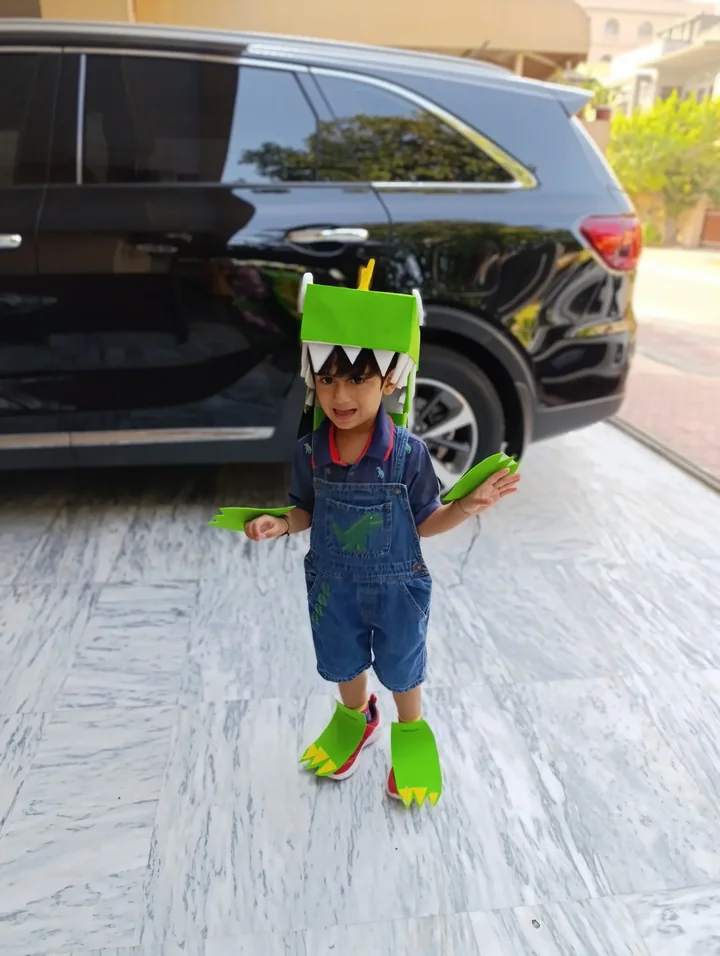
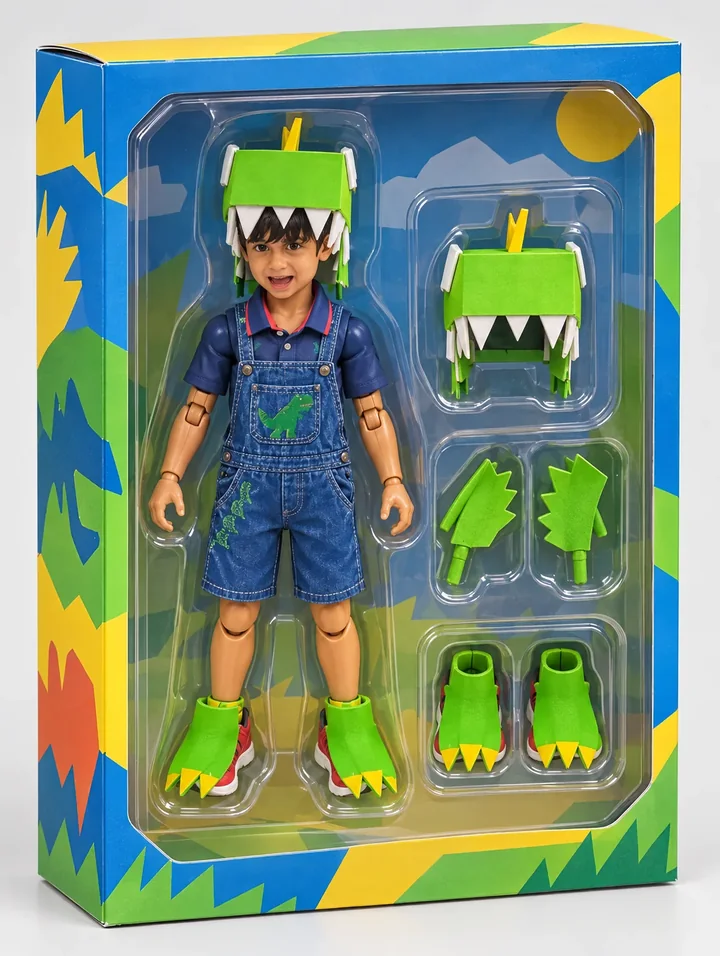
Dinosaur costume
The green helmet, claws and boots become molded toy accessories. The denim outfit and face identify the main figure inside the windowed box.
Rendered with Lineora’s High Quality option. Each generation can vary.
More photo examples
These photos were rendered with Lineora’s High Quality option. Results can vary; open either image for a closer look.
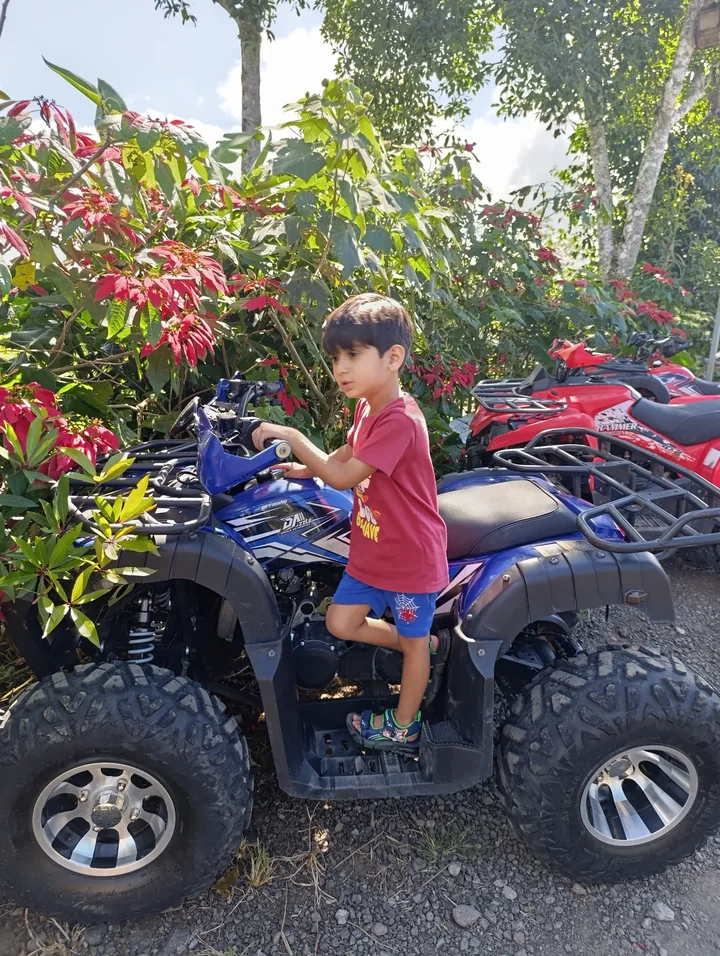
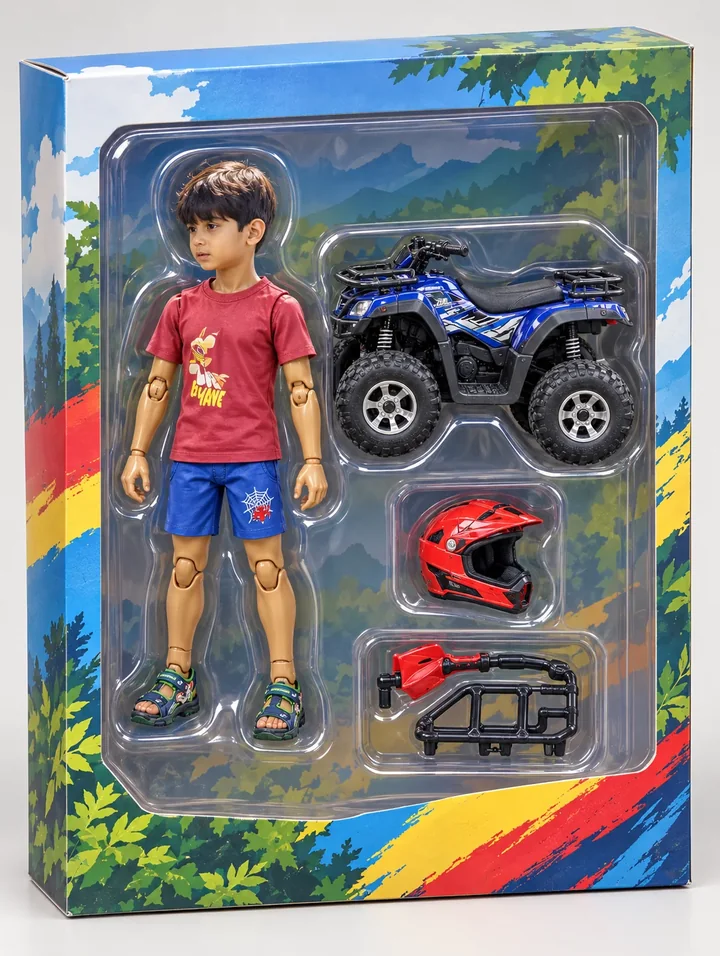
Child on a quad bike
The quad bike becomes a separate miniature beside the figure, with an added red helmet. Accessories can be invented as well as copied.
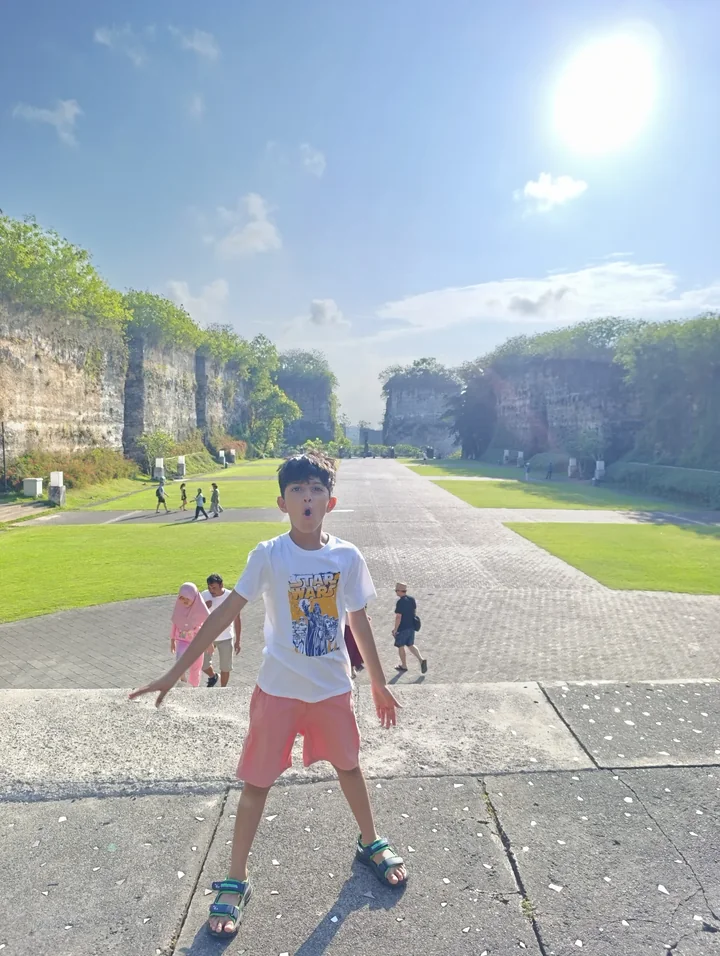
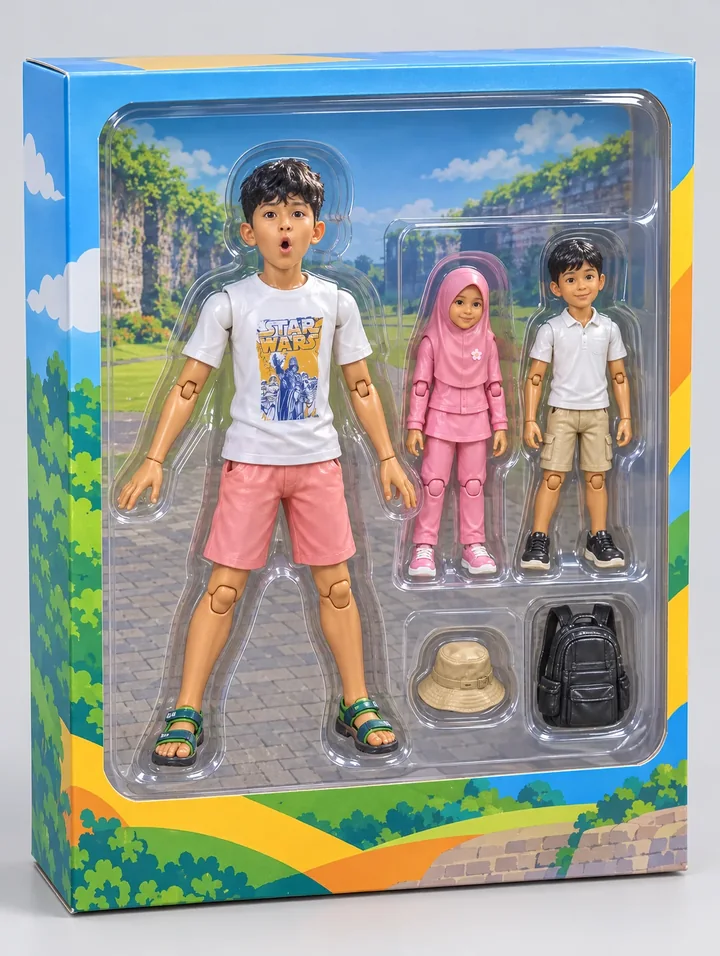
Children on a stone avenue
Background children become smaller figures beside the main child. The road scene moves onto the box backdrop, creating a shared travel keepsake.
Ideas for your photos
Try a costume portrait for a playful character, a hobby photo for themed accessories, or a travel memory for a personal collectible image. Use the saved artwork in a greeting card or share it as a digital keepsake.
Choose a photo that works well
Use a well-lit face, visible clothing and a simple pose. Keep meaningful objects in the frame. Review the number of figures, hands and accessories; background people can become additional toys.
Make this look in Lineora
Open Lineora on iPhone or Android and select a photo. Choose Collectible Figure from the style picker, then generate your image. Compare the result with the original before saving, sharing or exporting a PDF. AI can reinterpret faces, lettering and small details; try a clearer crop if an important feature gets lost.
Which style should you choose?
Choose Action Figure for a boxed toy photograph, Chibi for a flat miniature character, or Anime for a drawn scene.
Turn a Photo into a Coloring Page

Save, share and print your result
Export a PDF from your gallery and check the paper size in your printer settings. Review the print preview and keep the margins visible. You can combine several finished drawings into one PDF.
Common questions
- Can I order the toy or download a 3D printing file?
- No. Lineora generates a flat digital image. It does not manufacture toys or export STL, OBJ or other 3D models, and it has no packaging-text editor.
- Can I create a picture on this website?
- This website shows what Lineora can make. To transform your own photo, use the iOS or Android app. AI generation needs an internet connection.
- Does Lineora need a subscription?
- No. One credit pays for one finished drawing, and purchased credits never expire. At zero credits, you can earn a free drawing by watching a rewarded ad, subject to availability and daily limits.
- Can I print several drawings together?
- Yes. Select drawings in your gallery and export a PDF. For ad-funded drawings, the app can request an additional ad for sharing or PDF export and include a watermark.