Turn Photos into Drawings & AI Art
Transform photos into pencil drawings, watercolor, anime and more with Lineora. Explore 52 art styles on iOS and Android, then save, share or print.
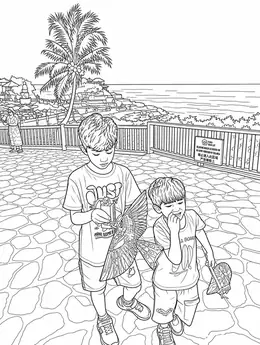
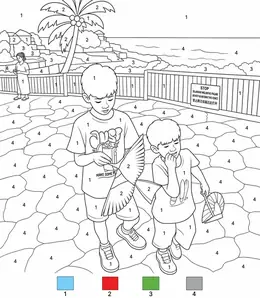
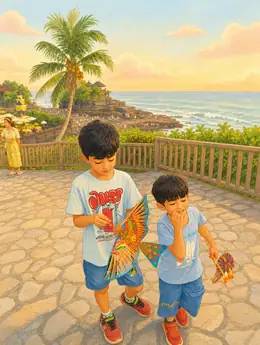
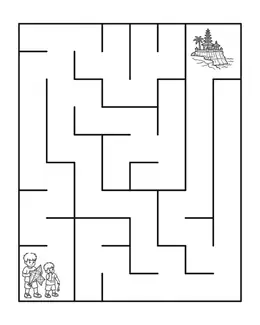
See the same memory as a charcoal drawing, watercolor painting, ukiyo-e print or origami illustration. Lineora offers 52 styles across 5 families: coloring book, sketching, painting, illustration and playful effects. The style previews use the same source photograph so you can compare the looks before choosing one for your own photo.
Create in the Lineora app for iPhone and Android. Download the app, select your photo and choose a style or activity.
From the same photo
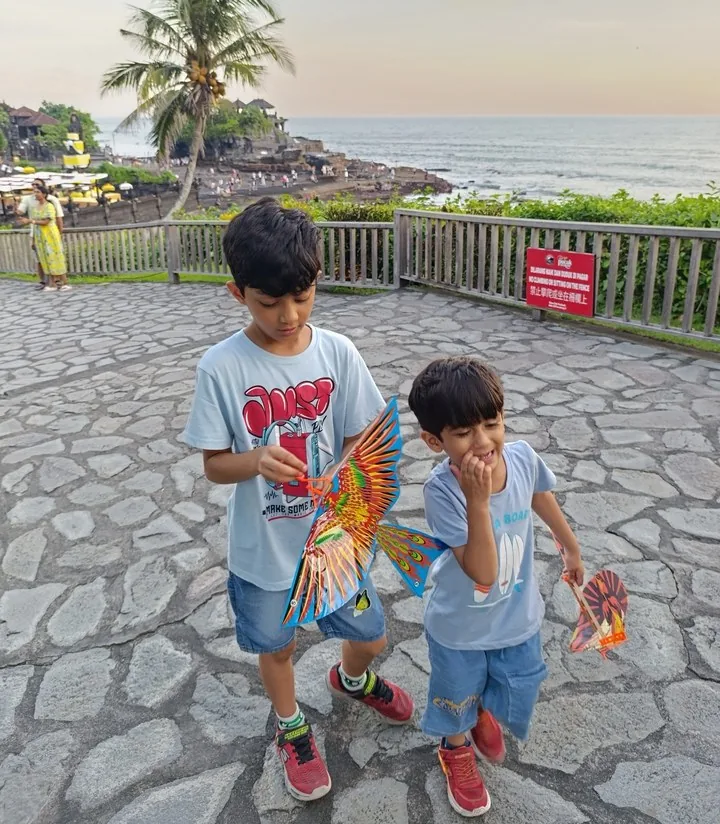
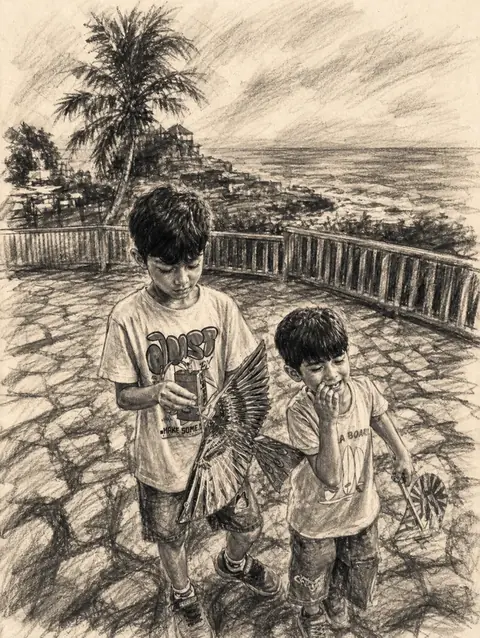
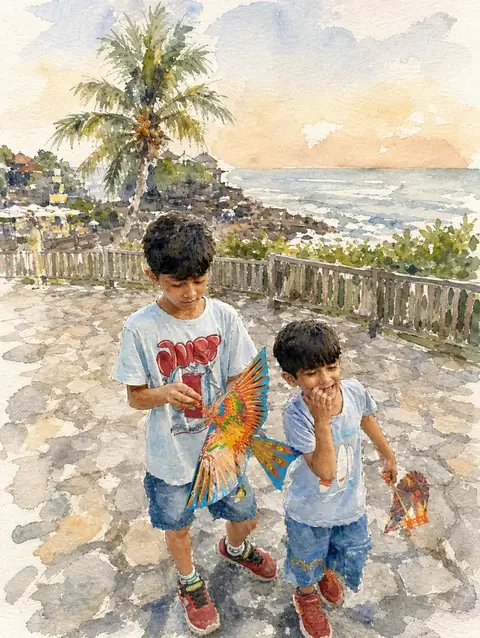
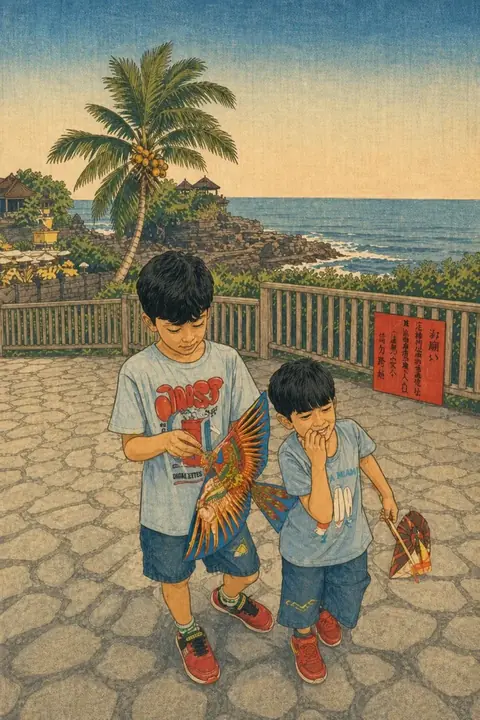
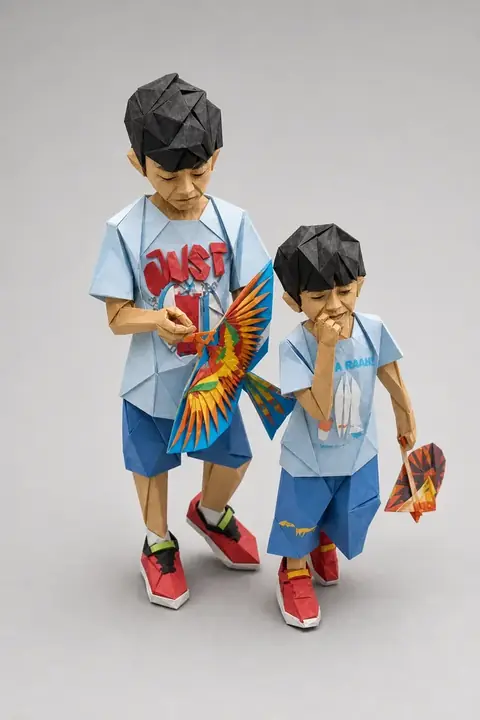
Choose a photo that works well
Choose a well-lit photo with enough space around the subject. Pencil and charcoal emphasize lines and shading; watercolor and illustration styles interpret colors and shapes. AI results can differ from the original.
How it works
-
Pick a photo.
Anything in your camera roll — a portrait, a pet, a building, a plate of food. Keep the whole scene or cut the subject out of its background.
-
Choose a look.
Any of the 52 styles, or one of the six activity sheets. Every tile in the picker shows what it does to your photo, so you're choosing from the result, not a name.
-
Print, share, color.
Send it straight to someone, print it, or bundle a set of drawings into one PDF for the printer down the road.
Save, share and print your result
Export a PDF from your gallery and check the paper size in your printer settings. Review the print preview and keep the margins visible. You can combine several finished drawings into one PDF.
Common questions
- Is a photo sketch the same as a coloring page?
- A sketch can include shading and texture. A coloring-page style leaves white spaces for coloring. Choose the style for how you plan to use the result.
- Can I create a picture on this website?
- This website shows what Lineora can make. To transform your own photo, use the iOS or Android app. AI generation needs an internet connection.
- Can I print several drawings together?
- Yes. Select drawings in your gallery and export a PDF. For ad-funded drawings, the app can request an additional ad for sharing or PDF export and include a watermark.