Mandala Coloring Pages to Print or Make from Photos
Download 3 free mandala coloring pages as A4 or US Letter PDFs. See photo-inspired examples and create your own patterned coloring page in Lineora.
Free printable coloring pages
Download all three sample pages as a PDF, or choose an individual page below. No account or app install is needed for these samples.
Print at actual size or choose Fit to printable area. For a coloring page based on your own photo, choose this style in the Lineora app. App generation uses your available drawings or credits.
Create in the Lineora app for iPhone and Android. Download the app, select your photo and choose a style or activity.
What this style does
Mandala turns your subject into black-and-white line art surrounded by repeating petals, leaves and ornamental patterns. The photo provides a focal point; the surrounding shapes are reimagined. These photo-inspired designs combine recognizable subjects with decorative detail rather than following an exact geometric template.
From the same photo
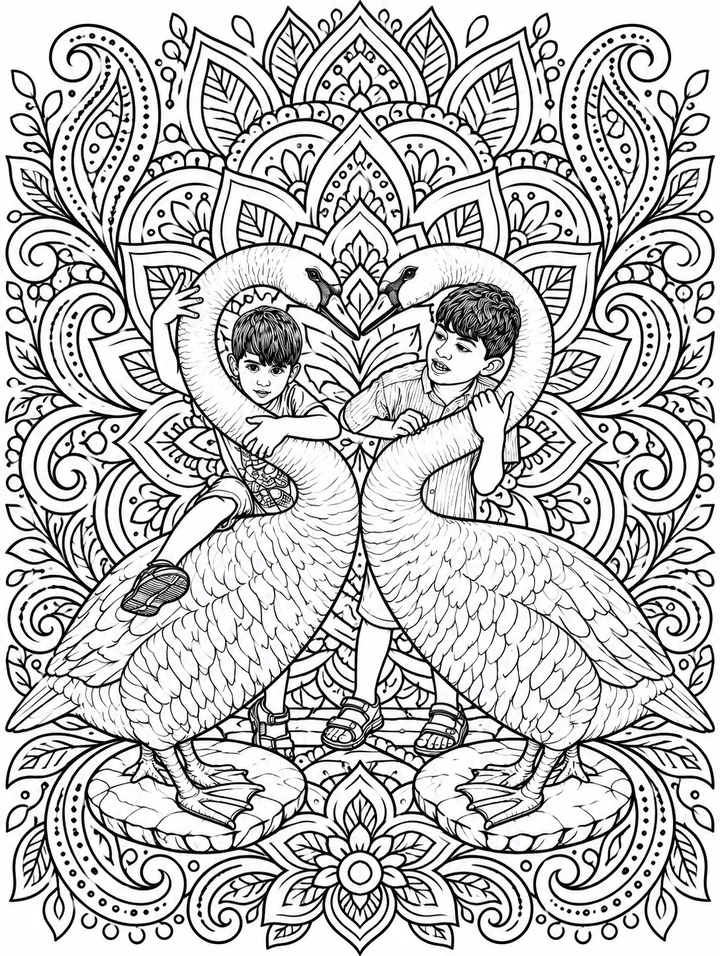
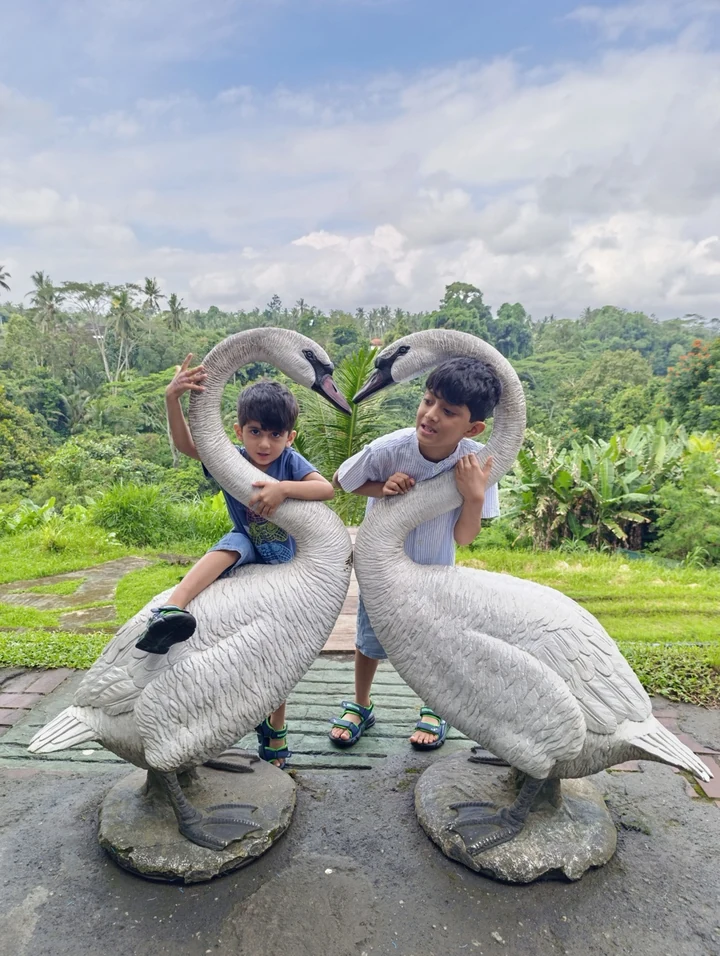
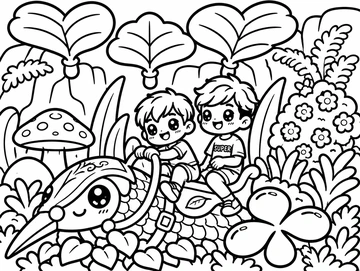
Children beside bird sculptures
The two children and tall bird sculptures remain the focal point, surrounded by a dense halo of leaves and repeating feather-like shapes.
AI-generated illustration using this style’s prompt. This is a style preview, not an in-app capture; your result may differ.
Print this coloring page
More photo examples
These illustrated examples show how the style can reinterpret different photos. Compare the original and the preview to see changes in poses, faces and backgrounds.
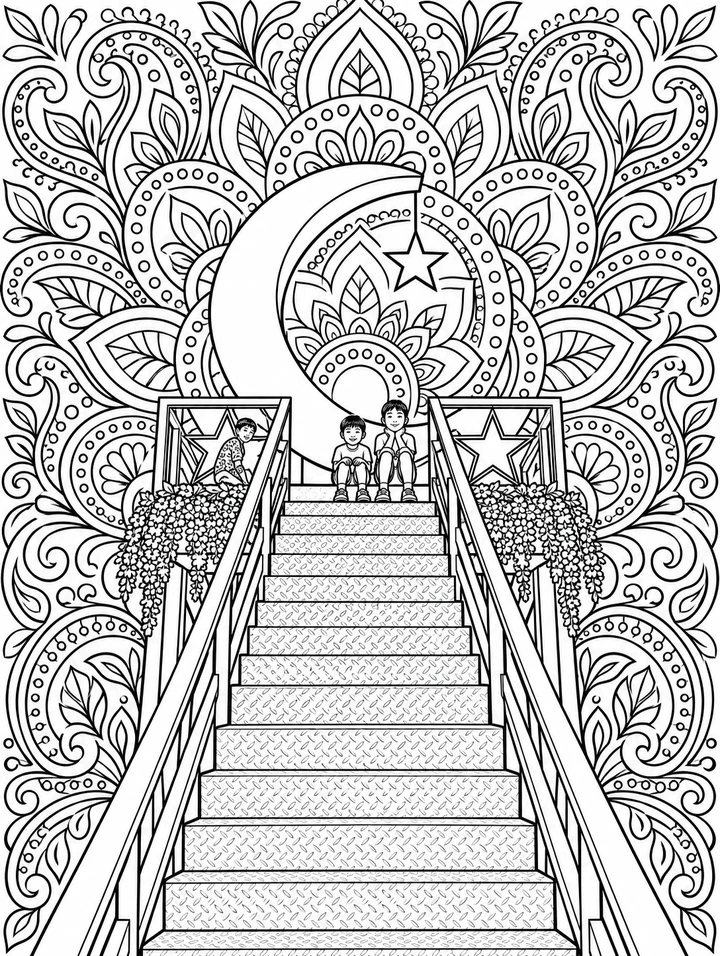
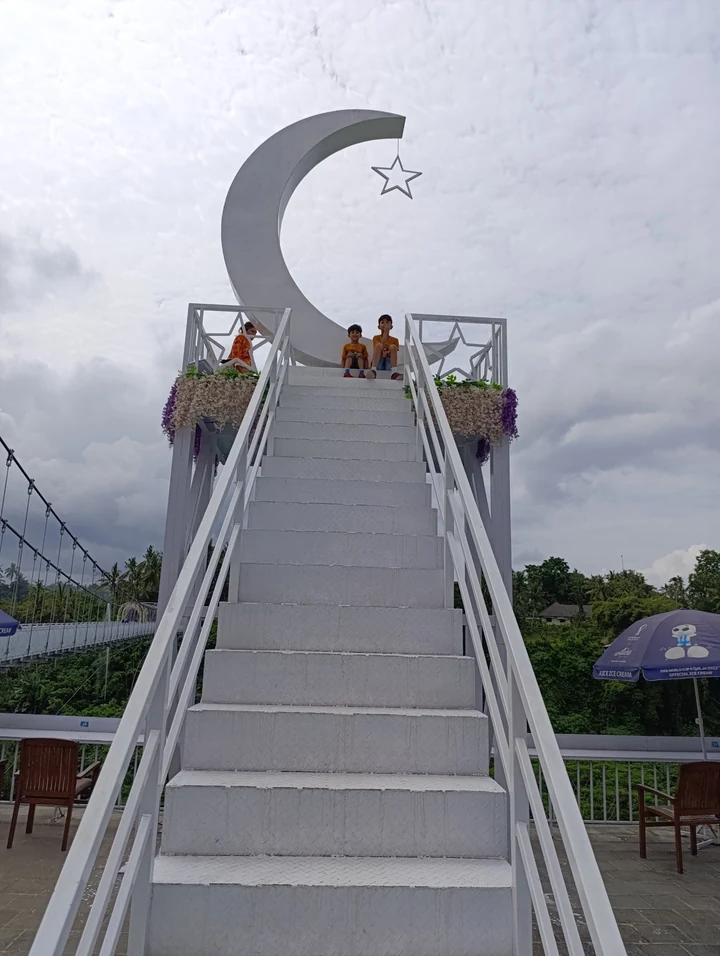
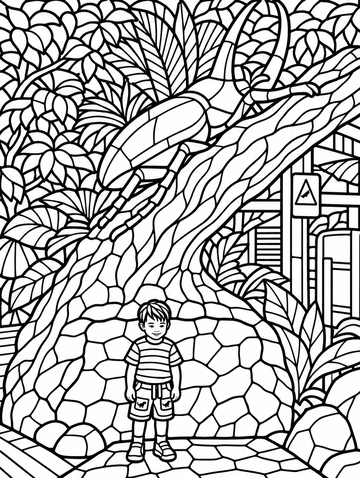
A stairway to a crescent and star
The stairs, crescent and star remain recognizable while the open sky becomes a dense field of petals and ornamental curves.
Print this coloring page
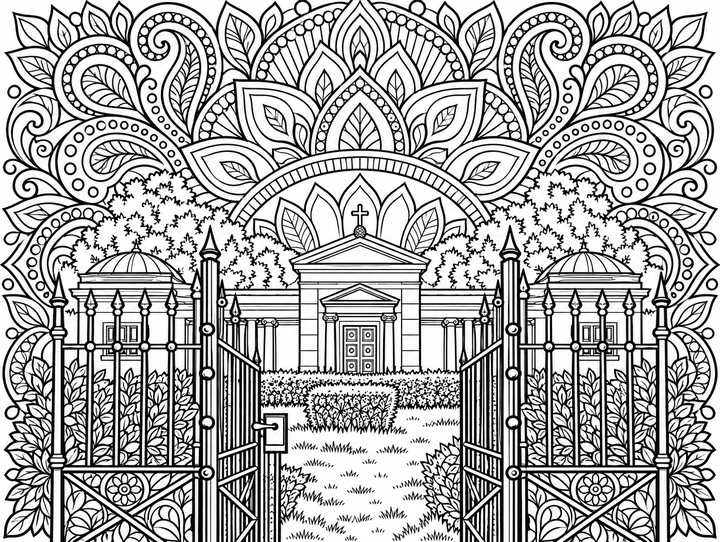

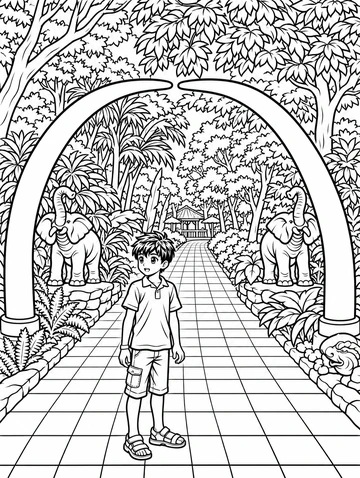
An ornamental garden gate
The open iron gates frame the central building. Decorative foliage fills the surrounding spaces, creating an intricate landscape-format page.
Print this coloring page
Ideas for your photos
Print a detailed page for a quiet coloring session, build a keepsake around a garden photo, or turn a memorable place into an ornamental scene. The three free samples include people, bird sculptures and architecture, so you can try the style on paper before making a personal version.
Choose a photo that works well
Start with a clearly separated subject and leave some space around it. Dense backgrounds can become intricate patterns. For easier coloring, try a closer crop with fewer small objects; the AI may still add fine details, so inspect the result at print size.
Make this look in Lineora
Open Lineora on iPhone or Android and select a photo. Choose Mandala from the style picker, then generate your image. Compare the result with the original before saving, sharing or exporting a PDF. AI can reinterpret faces, lettering and small details; try a clearer crop if an important feature gets lost.
Which style should you choose?
Choose Mandala for repeating decoration and detailed patterns. Cozy Coloring builds a comfortable indoor scene around the subject. One-Line Art focuses on sparse contours when you want a simpler drawing.
Turn a Photo into a Coloring Page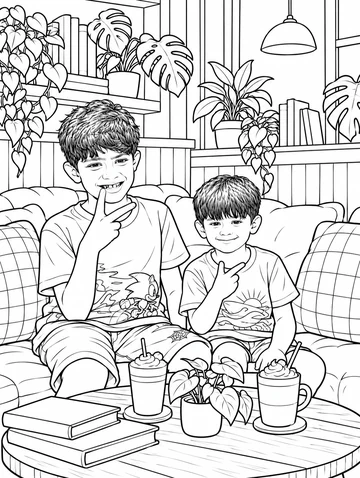
Save, share and print your result
Export a PDF from your gallery and check the paper size in your printer settings. Review the print preview and keep the margins visible. You can combine several finished drawings into one PDF.
Common questions
- Can I download these mandala coloring pages for free?
- Yes. The three sample designs on this page are free PDF downloads in A4 and US Letter sizes, without an account. To generate a new design from your own photo, use the Mandala style in Lineora; generation uses your available drawings or credits.
- Can I create a picture on this website?
- This website shows what Lineora can make. To transform your own photo, use the iOS or Android app. AI generation needs an internet connection.
- Does Lineora need a subscription?
- No. One credit pays for one finished drawing, and purchased credits never expire. At zero credits, you can earn a free drawing by watching a rewarded ad, subject to availability and daily limits.
- Can I print several drawings together?
- Yes. Select drawings in your gallery and export a PDF. For ad-funded drawings, the app can request an additional ad for sharing or PDF export and include a watermark.