Kawaii Coloring Pages from Your Photos
Print three free kawaii coloring samples or turn your own photo into cute outlines with Lineora. Compare examples and download A4 or US Letter PDFs.
Free printable coloring pages
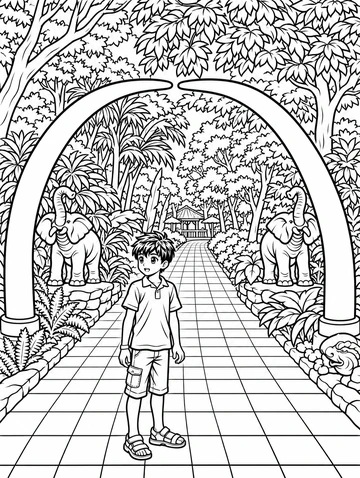
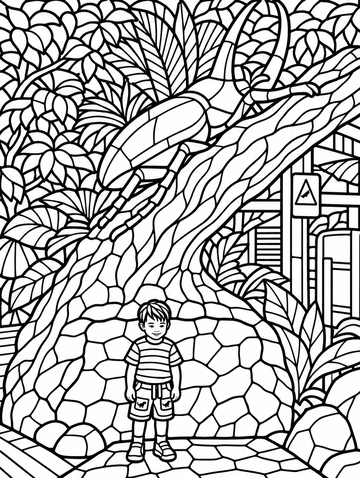
Download all three sample pages as a PDF, or choose an individual page below. No account or app install is needed for these samples.
Print at actual size or choose Fit to printable area. For a coloring page based on your own photo, choose this style in the Lineora app. App generation uses your available drawings or credits.
Create in the Lineora app for iPhone and Android. Download the app, select your photo and choose a style or activity.
What this style does
Kawaii coloring turns a recognizable subject into rounded shapes, larger eyes and simple closed outlines. Black lines on white leave room for your own colors. It creates a coloring sheet rather than a finished color illustration.
From the same photo
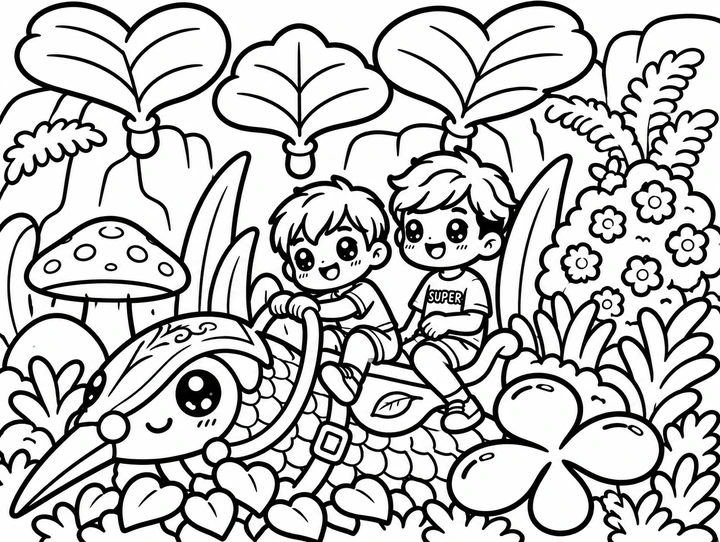
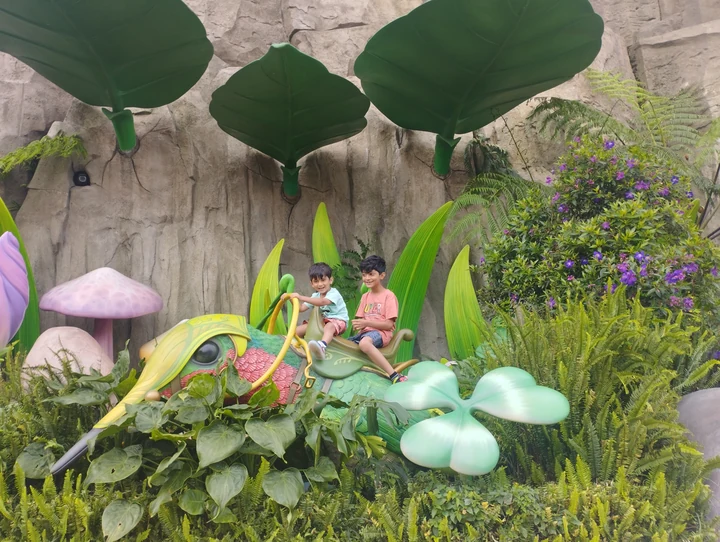
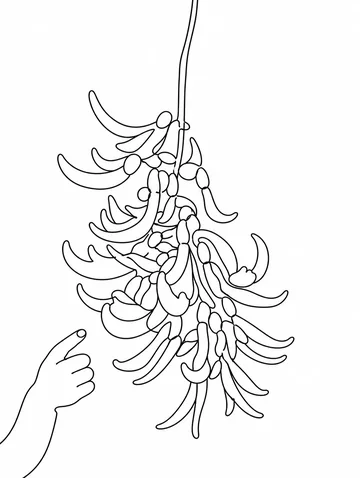
Children on a giant insect
The children and insect become rounded, large-eyed characters. Giant leaves and flowers turn into broad outlined areas to color.
AI-generated illustration using this style’s prompt. This is a style preview, not an in-app capture; your result may differ.
Print this coloring page
More photo examples
These illustrated examples show how the style can reinterpret different photos. Compare the original and the preview to see changes in poses, faces and backgrounds.
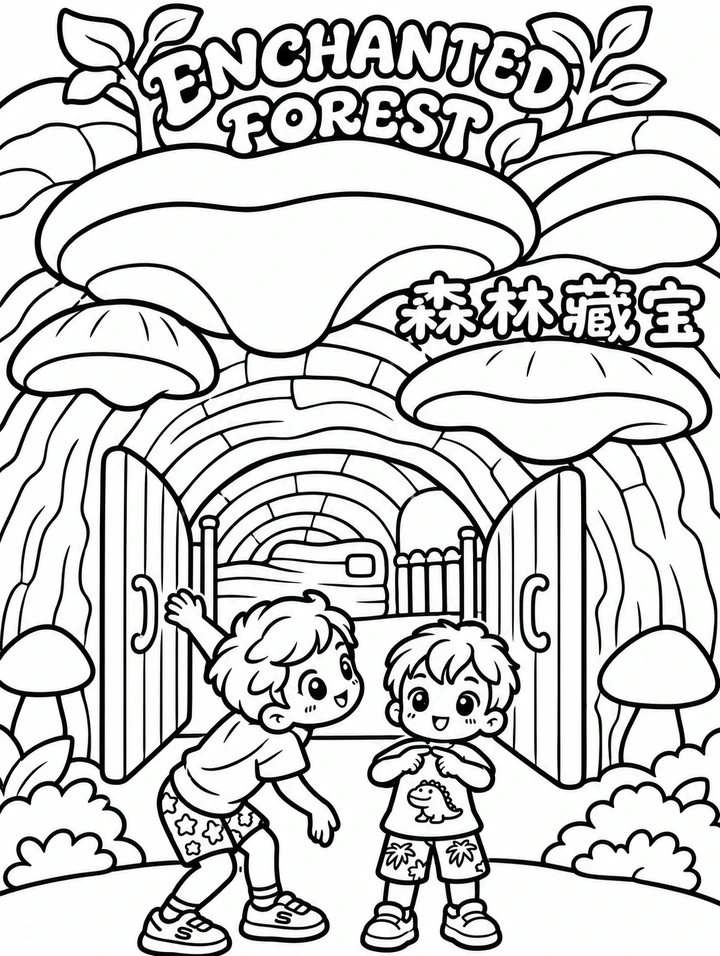

Children at a mushroom entrance
The playful poses remain beneath rounded mushroom caps. The doorway becomes bold outlines, while the preview reinterprets the sign lettering.
Print this coloring page
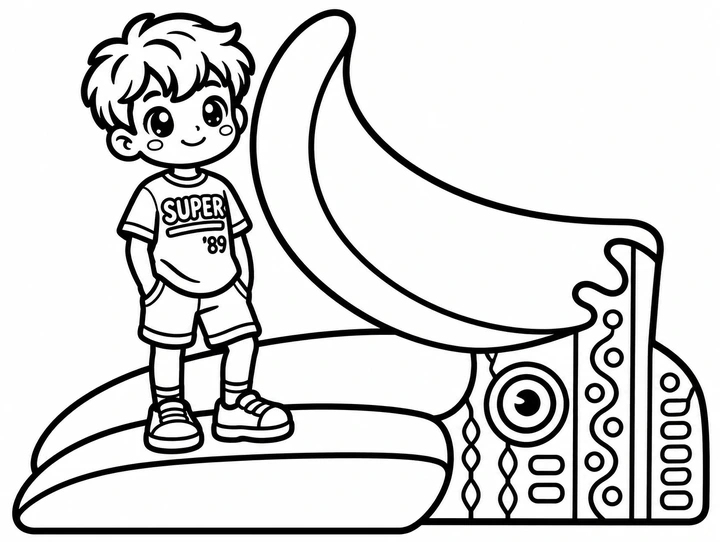
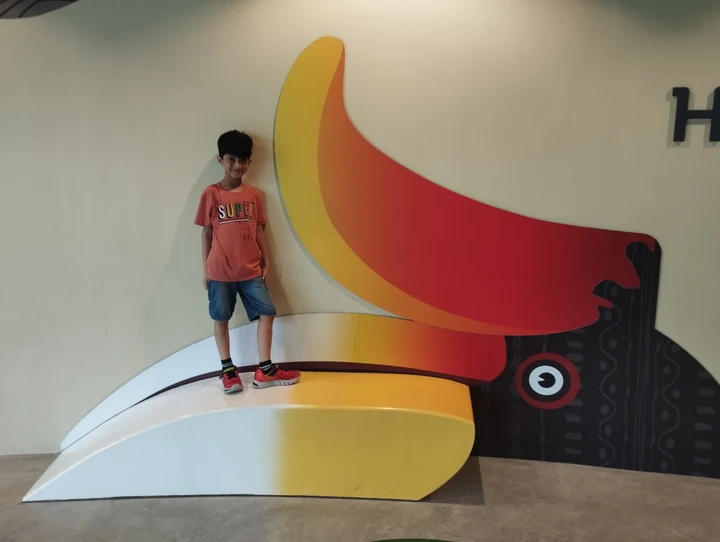
Boy on a hornbill bench
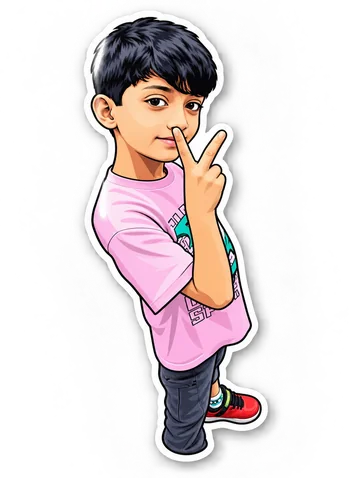
The boy gains a larger head and expressive eyes. The hornbill bench becomes broad curves with repeated outlined decorations.
Print this coloring page
Ideas for your photos
Try a pet, a cheerful portrait or a favorite object. Print the sample sheets for a quiet afternoon, or create a personal page in the app for a family coloring activity.
Choose a photo that works well
Use a clear subject with space around it. A close crop and simple background help keep the shapes easy to color; check faces and small details before printing.
Make this look in Lineora
Open Lineora on iPhone or Android and select a photo. Choose Kawaii from the style picker, then generate your image. Compare the result with the original before saving, sharing or exporting a PDF. AI can reinterpret faces, lettering and small details; try a clearer crop if an important feature gets lost.
Which style should you choose?
Choose Kawaii for cute uncolored outlines. Chibi creates a colored miniature character; Cozy places subjects in a snug illustrated scene.
Turn a Photo into a Coloring Page
Save, share and print your result
Export a PDF from your gallery and check the paper size in your printer settings. Review the print preview and keep the margins visible. You can combine several finished drawings into one PDF.
Common questions
- Are the kawaii coloring PDFs free?
- Yes. Download these sample sheets individually or as a three-page pack without installing the app. Creating new pages from your photos happens in Lineora and uses its normal drawing and credit limits.
- Can I create a picture on this website?
- This website shows what Lineora can make. To transform your own photo, use the iOS or Android app. AI generation needs an internet connection.
- Does Lineora need a subscription?
- No. One credit pays for one finished drawing, and purchased credits never expire. At zero credits, you can earn a free drawing by watching a rewarded ad, subject to availability and daily limits.
- Can I print several drawings together?
- Yes. Select drawings in your gallery and export a PDF. For ad-funded drawings, the app can request an additional ad for sharing or PDF export and include a watermark.