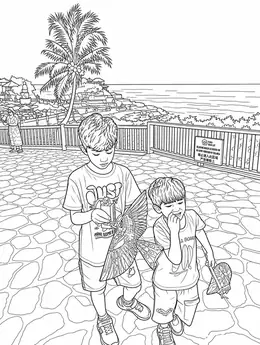
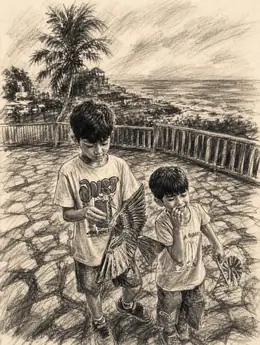
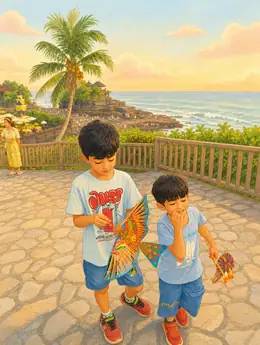
Make Printable Activities from Your Photos
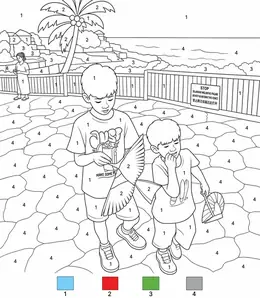
Create photo-based mazes, jigsaws, tracing, mosaics, spot-the-difference and color-by-number sheets. Choose a level in Lineora and export a printable PDF.
Use your own pictures to make 6 kinds of paper activities: a maze, a jigsaw, tracing, a mosaic, spot the difference and color by number. Each has easy, medium and hard levels. Jigsaw and spot-the-difference sheets also offer black-and-white or color versions. Make a familiar pet or place the starting point for an afternoon away from screens.
Create in the Lineora app for iPhone and Android. Download the app, select your photo and choose a style or activity.
From the same photo
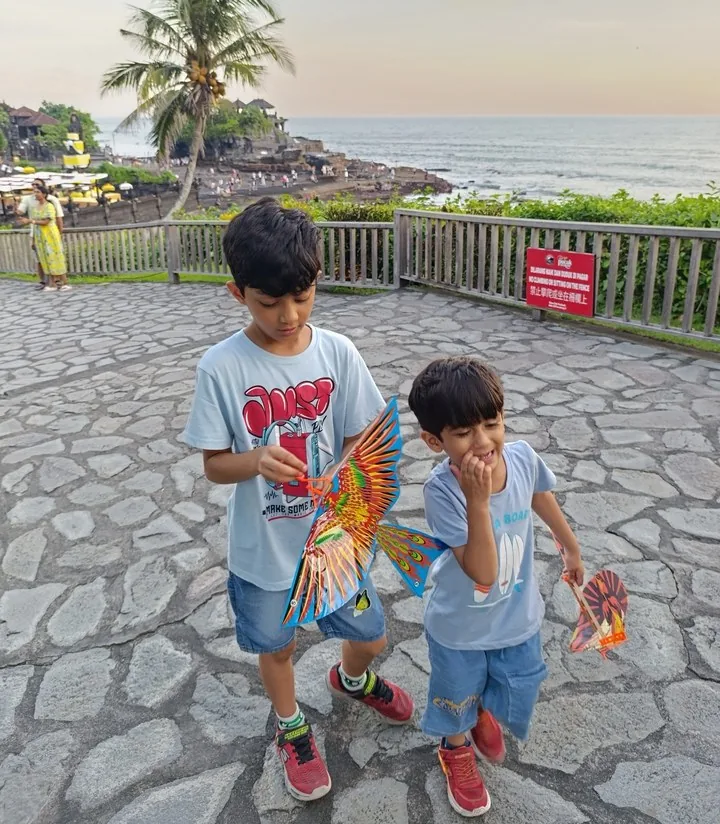
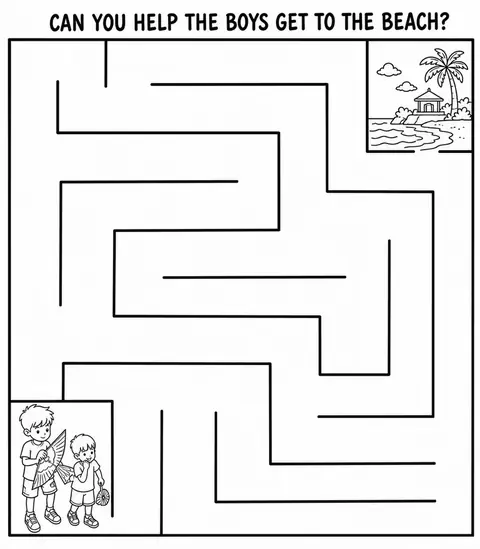
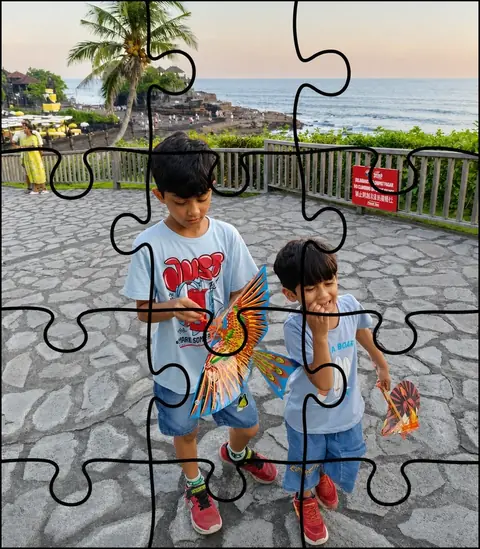
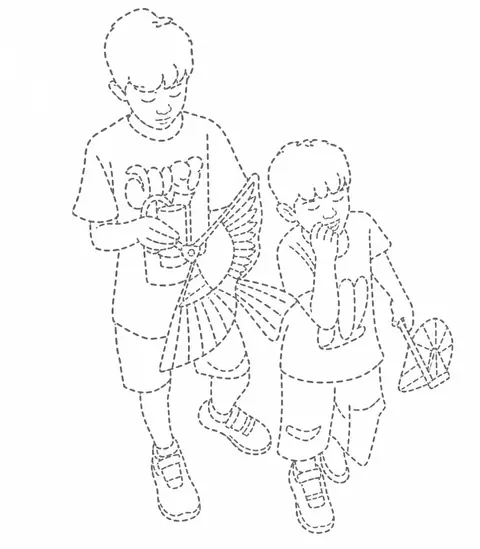
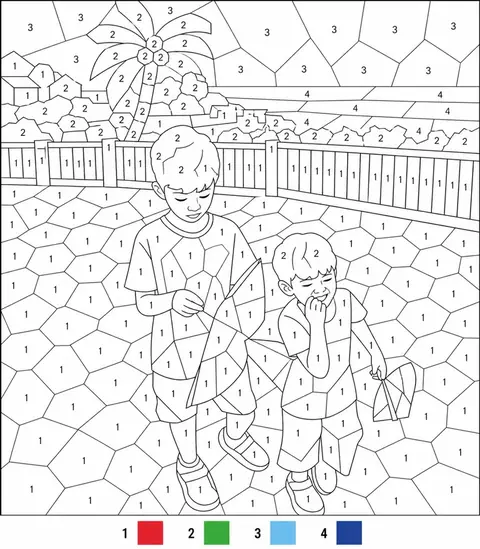
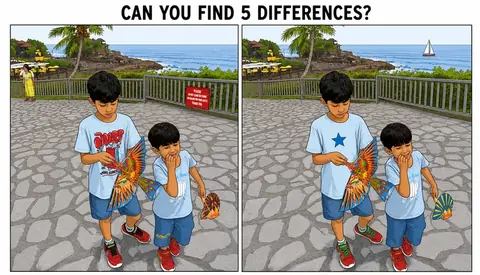
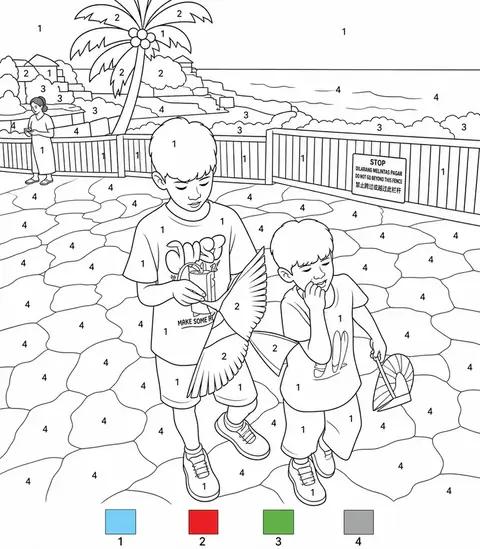
Choose a photo that works well
Choose a simple photo for the first sheet and start with the easy level. Print jigsaws on firmer paper for cutting. Review a generated maze or difference sheet before giving it to someone to solve.
How it works
-
Pick a photo.
Anything in your camera roll — a portrait, a pet, a building, a plate of food. Keep the whole scene or cut the subject out of its background.
-
Choose a look.
Any of the 52 styles, or one of the six activity sheets. Every tile in the picker shows what it does to your photo, so you're choosing from the result, not a name.
-
Print, share, color.
Send it straight to someone, print it, or bundle a set of drawings into one PDF for the printer down the road.
Save, share and print your result
Export a PDF from your gallery and check the paper size in your printer settings. Review the print preview and keep the margins visible. You can combine several finished drawings into one PDF.
Common questions
- Do all activity levels change the same thing?
- No. Jigsaw levels change the target piece count; color by number and mosaics change colors; spot the difference changes the target differences. Maze and tracing levels change the detail.
- Can I create a picture on this website?
- This website shows what Lineora can make. To transform your own photo, use the iOS or Android app. AI generation needs an internet connection.
- Can I print several drawings together?
- Yes. Select drawings in your gallery and export a PDF. For ad-funded drawings, the app can request an additional ad for sharing or PDF export and include a watermark.